
Table of Contents outline true
Getting Started
Teams Vs WhatsApp
In today’s digital workplace, choosing the right communication platform is crucial for productivity and collaboration. This section compares Microsoft Teams and WhatsApp, focusing on their suitability for Piramal Foundation use.
...
- Use a clear, professional profile picture
- Ensure your display name is easily recognizable
- Keep your job title and department up to date
...
Teams and Channels
Channels
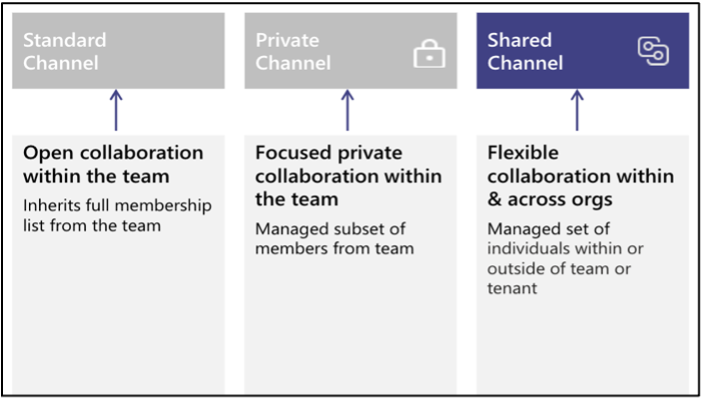
Channels in Microsoft Teams are dedicated sections within a team that organize conversations, files, and tools by specific topics, departments, or projects. Channels provide structure to team communication and allow members to focus on areas of interest, workstreams, or responsibilities.
...
- Key Differences Between Shared, Private, and Standard Channels
...
Communication
The Chat feature in Teams allows for quick, direct communication with individuals or groups.
...
- Use descriptive file names
- Utilize version history for important documents
- Communicate with co-authors using comments or the chat feature
...
Advanced Features
Using Apps and Integrations
Teams can be customized with various apps and integrations to enhance productivity.
...
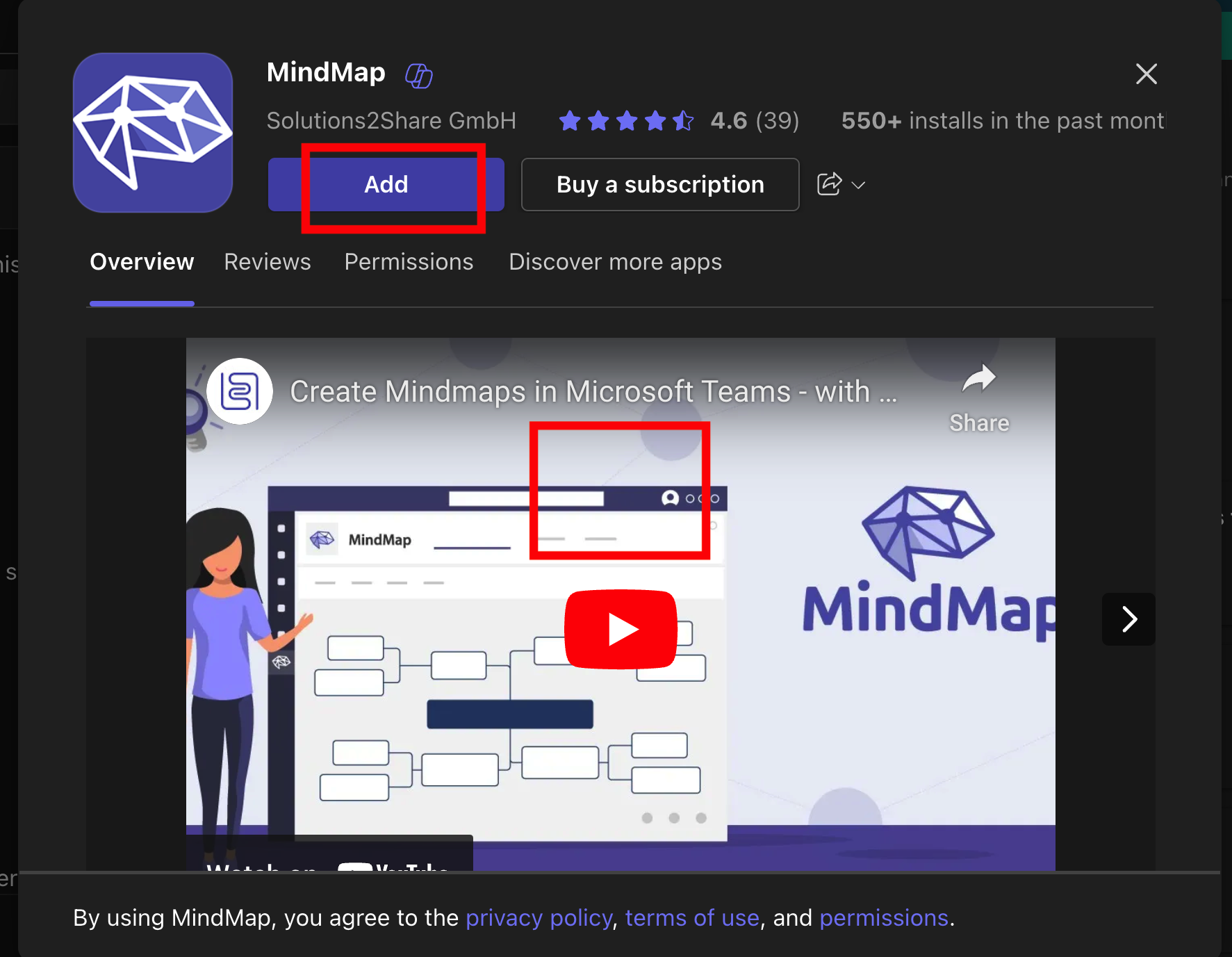
- Click on the app and then “Add” to install it
...
Using Apps in Chats and Channels
Many apps can be used directly within chats and channels.
...
Popular Types of Teams Apps: - Project management tools - Polls and surveys - Workflow automation - External service integrations (e.g., Jira, Confluence, My Helpdesk)
...
FAQs
General Questions
Q1: What is Microsoft Teams?
...