
Table of Contents absoluteUrl true
...
About Microsoft Teams
Microsoft Teams has become a central hub for all business communication within our organizations, streamlining collaboration and enhancing productivity. With features like real-time chat, audio and video conferencing, file sharing, and integration with other Microsoft 365 applications, Teams enables seamless communication between departments and remote workers. It ensures that employees can easily collaborate, share information, and stay connected, regardless of their location.
Moreover, Teams consolidates various communication tools into a single platform, reducing the need for multiple applications. With threaded conversations, project-based channels, and easy access to documents and workflows, Teams creates a structured environment where communication is not only efficient but also organized and traceable. This leads to better decision-making, quicker responses, and a more engaged workforce.
Getting Started
As we strive for better collaboration and productivity, it's essential to standardize our communication tools across the organization. While WhatsApp may be a convenient tool for personal messaging, it is not designed to meet the needs of a professional business environment. Microsoft Teams, on the other hand, offers a secure, organized, and integrated platform specifically built for workplace communication and collaboration.
Teams and WhatsApp Comparison
...
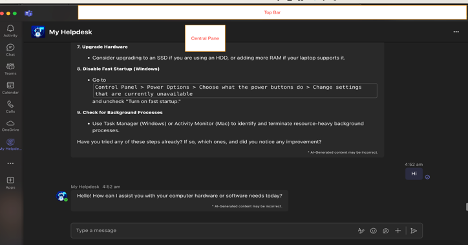
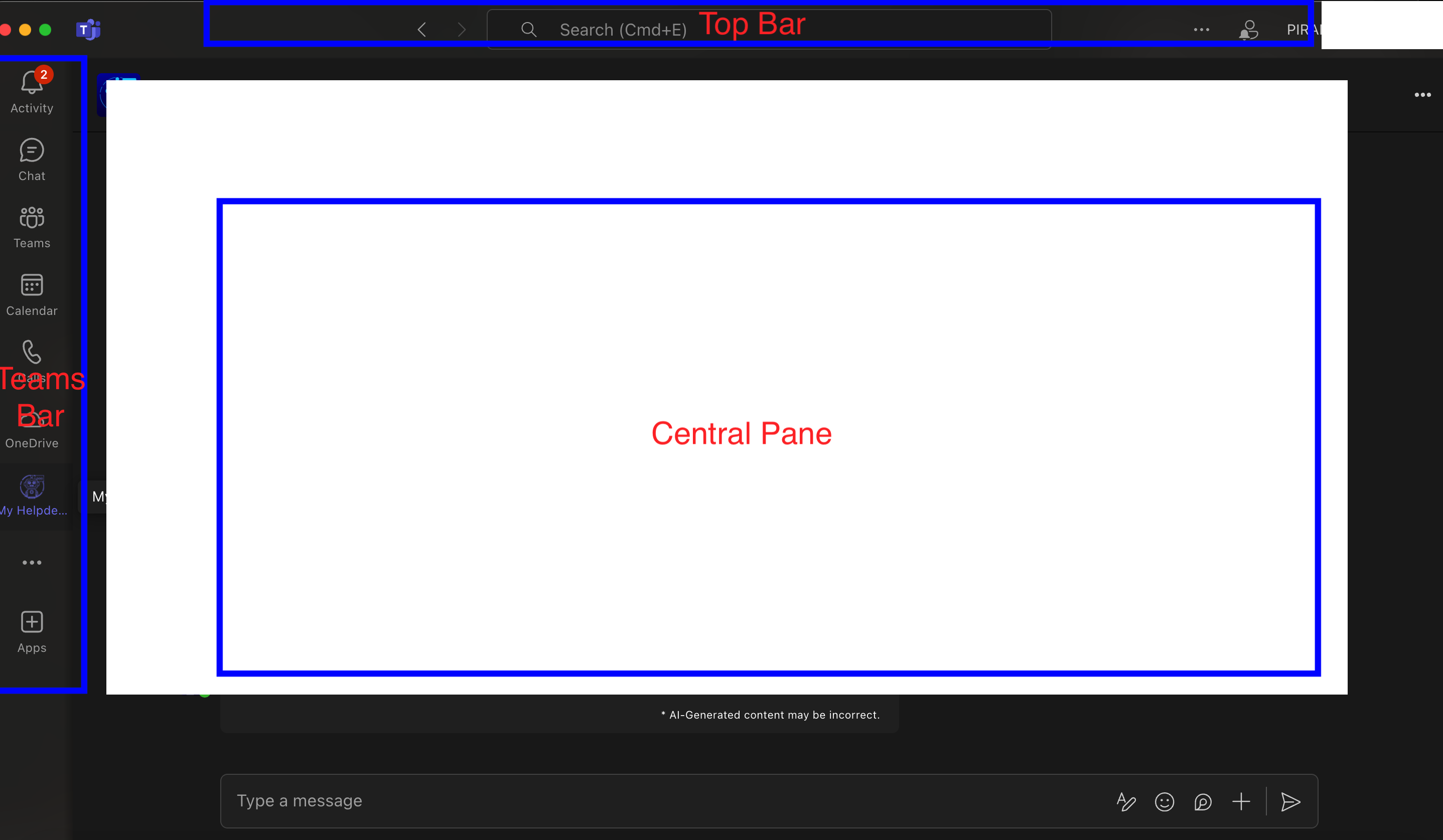
- Teams Bar: Lists all your teams and channels, Allows quick navigation between different workspaces
- Central Pane: The main working area where conversations, files, and other content are displayed
- Top Bar: Contains the search box, command box, and profile picture, quick access to settings and commands
...
Customizing Profile
...